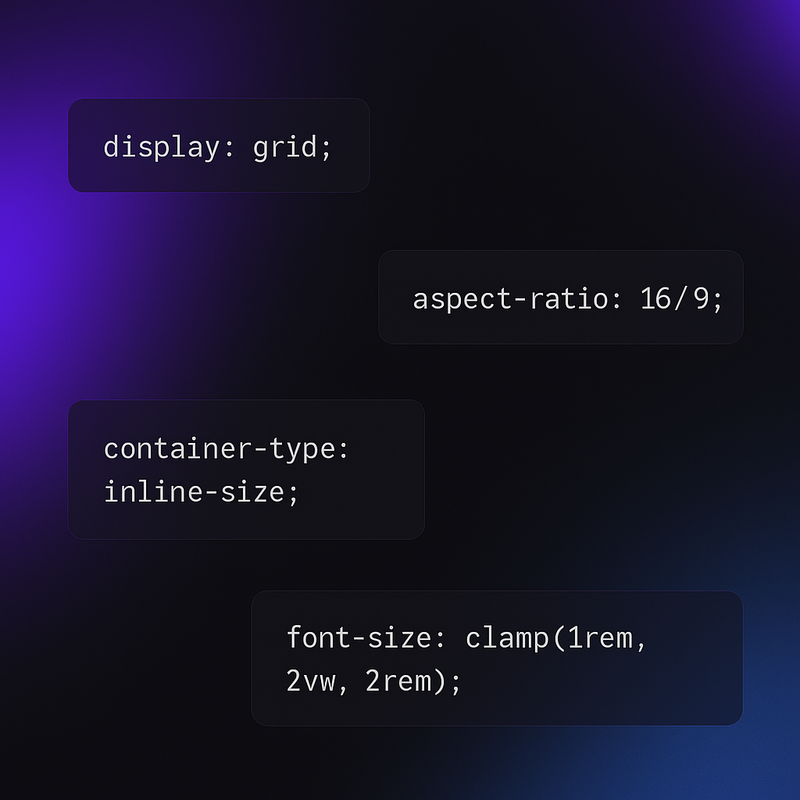
I write CSS every single day. After years of building interfaces — from clinic management dashboards to portfolio sites — I've collected a handful of tricks that I reach for constantly. These aren't obscure hacks. They're practical patterns that solve real problems, and most developers I talk to either don't know about them or underuse them.
Here are 5 CSS tricks I use every week — and why you should too.
1. clamp() for Fluid Typography
If you're still writing media queries just to change font sizes at different breakpoints, stop. clamp() gives you fluid typography in a single line.
This sets a minimum of 1rem, scales with the viewport at 2.5vw, and caps at 2.5rem. No breakpoints needed. The text just flows. I use this on every project now — headings, body text, even spacing values. It works with padding and gap too, not just font-size.
Pro tip: combine clamp() with CSS custom properties for a reusable type scale that adapts to any screen.
2. The :has() Selector — CSS Finally Gets a Parent Selector
For years, the number one CSS feature request was a parent selector. Now we have it. :has() lets you style a parent based on what's inside it — and it changes everything.
The first rule removes padding from cards that contain an image. The second highlights form groups that have invalid inputs. Before :has(), you needed JavaScript for both of these. I use :has() multiple times a week for conditional layouts, form validation styling, and dynamic component variants — all in pure CSS.
Browser support is solid in 2026 — it's in Chrome, Safari, Firefox, and Edge. If you're not using it yet, you're writing more JavaScript than you need to.
3. CSS Grid's Repeat Auto-Fit Pattern
This one pattern replaces about 90% of the responsive card layouts I used to build with flexbox and media queries:
That's it. Three properties. The grid automatically figures out how many columns fit, wraps when space runs out, and each item stretches to fill the row evenly. No media queries. No flex-wrap hacks. No calculating percentages.
I use this for project grids, blog card layouts, feature sections — basically any time I need a responsive grid of equal-width items. Swap 300px for whatever minimum width makes sense for your cards.
4. aspect-ratio for Consistent Media
Remember the old padding-bottom percentage hack for responsive aspect ratios? Yeah, forget that. aspect-ratio is a single property that does what we always wanted:
No wrapper div needed. No pseudo-elements. The image maintains a perfect 16:9 ratio at any width. I use aspect-ratio on video embeds, card thumbnails, avatar containers, and skeleton loading placeholders. It pairs beautifully with object-fit: cover to prevent image distortion.
It also works great for creating square containers: aspect-ratio: 1. Simple, clean, no hacks.
5. Container Queries — The End of Component Breakpoint Pain
Media queries respond to the viewport. But components don't live in the viewport — they live in containers. A sidebar card and a main content card have totally different available space, even at the same viewport width. Container queries fix this.
Now the card switches from vertical to horizontal layout based on its container's width, not the viewport. This is massive for building truly reusable components. Drop the same card component into a narrow sidebar or a wide main area — it just adapts.
If you're building in React or any component-based framework, container queries let your CSS be as modular as your JavaScript. I've started using them for dashboard widgets where the same component renders at different sizes depending on the layout.
Start Using These Today
None of these tricks require a build step, a preprocessor, or a CSS framework. They're all native CSS with solid browser support in 2026. If you're still reaching for JavaScript to handle conditional styles, fluid sizing, or responsive layouts — take another look at what CSS can do now.
My advice: pick one trick from this list, use it in your next project, and see how it feels. Once you experience the simplicity, you'll wonder why you ever wrote all those extra lines.
Want more CSS deep-dives? Check out my post on React Server Components in 2026 for more frontend insights, or head to my projects page to see these techniques in action.