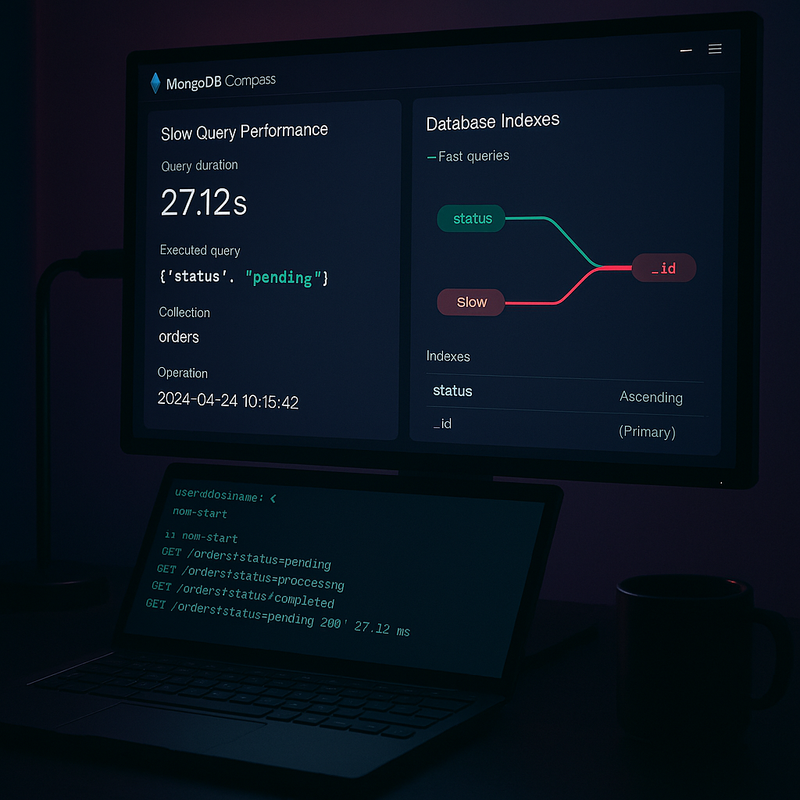
I've been running MongoDB in production for years now — across side projects, freelance work, and DocPilot. And the single most impactful performance fix I've ever made wasn't upgrading hardware, switching to a replica set, or rewriting queries. It was adding the right indexes.
If your app feels sluggish when the database grows past a few thousand documents, indexing is almost certainly the problem. Let me walk you through everything I've learned about MongoDB indexing — the practical stuff, not the textbook version.
Why Your Queries Are Slow
Here's the thing most developers don't realize: MongoDB performs a collection scan (COLLSCAN) by default. That means it reads every single document in your collection to find matches. With 100 documents, you won't notice. With 100,000? Your users will.
I first hit this wall while building DocPilot's appointment scheduling feature. Queries that ran fine during development started taking 2-3 seconds once we had real clinic data. The fix took five minutes — one compound index — and response times dropped to under 50ms.
Understanding explain() — Your Best Friend
Before you add indexes, you need to understand what MongoDB is actually doing with your queries. The explain() method is how you do that.
Run your query with .explain('executionStats') appended, and MongoDB will tell you exactly how it executed that query — how many documents it scanned, which index it used (if any), and how long it took.
The key fields to look at in the explain output:
- stage — If this says 'COLLSCAN', you're scanning the entire collection. You want 'IXSCAN' (index scan).
- totalDocsExamined — How many documents MongoDB actually read. Lower is better.
- totalKeysExamined — How many index entries were checked. Ideally close to nReturned.
- nReturned — The actual number of results. Compare this to totalDocsExamined — if you examined 50,000 docs to return 10, that's a problem.
- executionTimeMillis — Self-explanatory. If this number is high, you've found your bottleneck.
Single Field Indexes — The Basics
The simplest index is a single field index. If you frequently query by a specific field — like email, status, or createdAt — an index on that field will speed things up dramatically.
For example, if you run db.users.find({ email: 'user@example.com' }) often, creating an index with db.users.createIndex({ email: 1 }) turns that from a full collection scan into an instant lookup.
The '1' means ascending order. You can use '-1' for descending. For single-field indexes, it doesn't matter much. But for compound indexes, it matters a lot.
Compound Indexes — Where the Magic Happens
Real-world queries rarely filter by a single field. You're usually combining conditions — find all active patients in a specific clinic, or get all appointments for today sorted by time.
A compound index covers multiple fields in a single index. The order of fields matters, and this is where most developers get it wrong.
Follow the ESR rule — Equality, Sort, Range:
- Equality fields first — Fields you're matching exactly (status: 'active', clinicId: 'xyz').
- Sort fields next — Fields in your .sort() clause.
- Range fields last — Fields with $gt, $lt, $in, or $regex.
So if your query is 'find active patients in clinic X sorted by name,' your index should be { status: 1, clinicId: 1, name: 1 } — not { name: 1, status: 1, clinicId: 1 }.
Getting this order wrong means MongoDB can't use the index efficiently. It might use part of it, or skip it entirely.
Covered Queries — The Ultimate Optimization
A covered query is one where MongoDB can answer the query entirely from the index without reading any documents at all. It's the fastest possible query.
To achieve this, your index must include all fields that appear in the query filter, sort, and projection. If you're only returning specific fields (using a projection), and those fields plus your filter fields are all in the index, MongoDB never touches the actual documents.
This is especially powerful for dashboard-style queries where you're aggregating counts, fetching lists of IDs, or checking existence. I use covered queries extensively in DocPilot's analytics dashboard — it's the reason those stats load instantly even with growing datasets.
Common Indexing Mistakes I've Made
Over the years, I've made every indexing mistake in the book. Here are the ones that cost me the most time:
- Too many indexes — Every index slows down writes because MongoDB has to update all indexes on every insert/update. I once had 15 indexes on a collection that only needed 4. Write performance was terrible.
- Indexing low-cardinality fields — Putting an index on a 'status' field that only has 3 possible values is usually wasteful. The exception is when it's part of a compound index.
- Ignoring index size — Indexes live in RAM. If your indexes exceed available memory, MongoDB starts swapping, and everything slows down. Run db.collection.stats() to check.
- Not using partial indexes — If you only query active records, a partial index with a filter expression can be significantly smaller and faster than a full index.
- Forgetting about TTL indexes — For data that expires (sessions, logs, temp data), TTL indexes automatically delete old documents. I was running manual cleanup scripts for months before discovering these.
Monitoring Index Performance in Production
Adding indexes isn't a one-and-done task. As your app evolves, query patterns change. Here's how I keep tabs on index health:
- MongoDB Atlas Performance Advisor — If you're on Atlas, this suggests indexes based on your actual query patterns. It's surprisingly good.
- db.collection.getIndexes() — Lists all indexes. Review this periodically and drop unused ones.
- The slow query log — MongoDB logs queries that exceed a threshold (default 100ms). Check these regularly.
- db.currentOp() — Shows running operations. If you see long-running queries, they're your indexing targets.
I check these every couple of weeks. It takes five minutes and has saved me from performance regressions multiple times.
My Indexing Checklist for New Collections
Every time I create a new collection, I run through this mental checklist:
- What are the most common queries? Build indexes for those first.
- What fields appear in .sort()? Those need to be in an index.
- Are there uniqueness constraints? Use unique indexes (like email fields).
- Will documents expire? Consider TTL indexes.
- What's the read/write ratio? Heavy-write collections need fewer indexes.
Bottom Line
MongoDB indexing isn't rocket science, but it's the difference between an app that scales and one that falls over at 10,000 users. Most of the time, a well-designed compound index is all you need.
If you take one thing from this post: run explain() on your slowest queries today. I guarantee you'll find at least one collection scan that shouldn't be there. Five minutes of work, and your app will feel like a completely different product.
I wrote about choosing between MongoDB and PostgreSQL recently — if you're still deciding on your database, that's worth a read. And if you're building Node.js APIs that need to handle real traffic, solid indexing is non-negotiable — I covered backend architecture patterns in my weekend rebuild post that pairs well with this.